
Lab: Getting Started with OpenAI's ChatGPT
Estimated time: 5 minutes
Learning objectives
After completing this lab, you will be able to: - Demonstrate the steps to set up a ChatGPT account
Welcome to the lab on Getting Started with OpenAI's ChatGPT!
ChatGPT is an AI-powered chatbot developed by OpenAI. It uses natural language processes (NLP), which allows human-like conversations to complete tasks. The 'Chat' part of ChatGPT refers to the chatbot functionality; however, its 'GPT' refers to the generative pre-trained transformer.
Exercise 1: Setting up OpenAI's ChatGPT account
In this exercise, you'll go through the steps to Sign in or Log in to ChatGPT. Let's follow the below steps to do so.
- Open the link in your browser window.
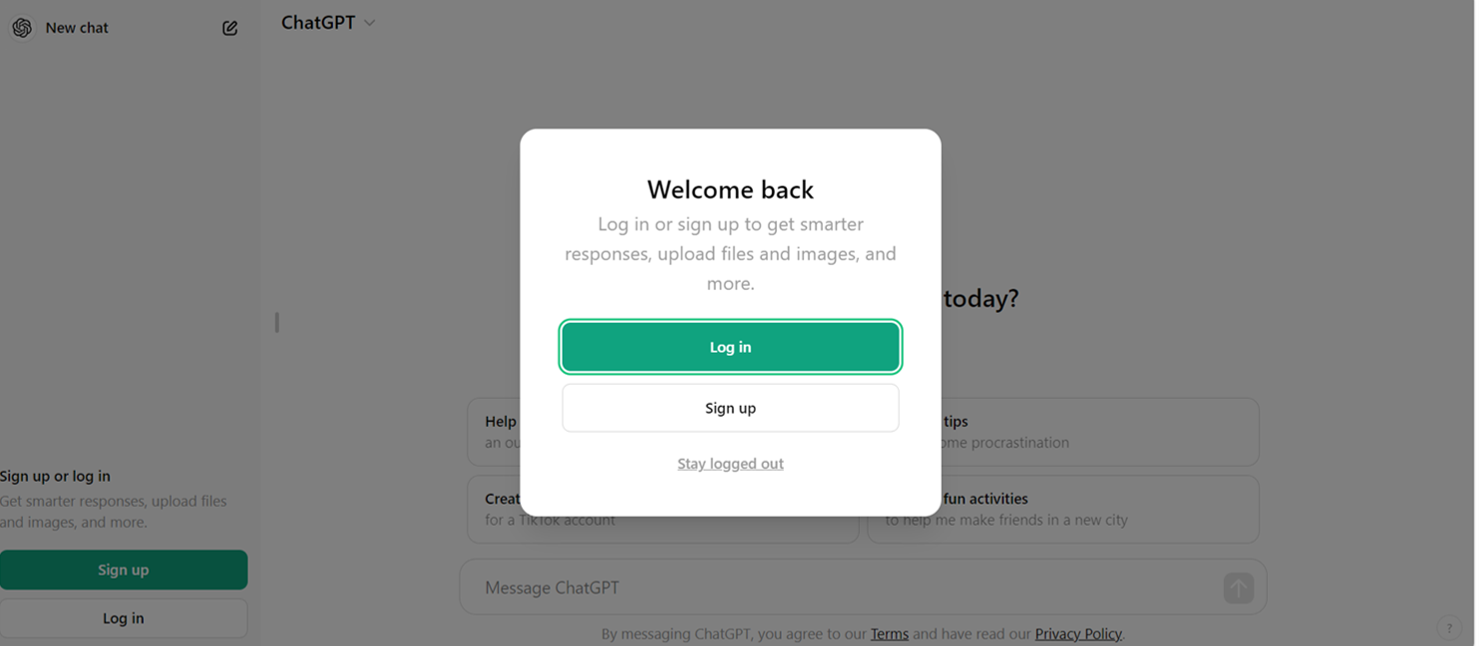
- Once you launch ChatGPT in the browser, select Log in (if you've already created an account in ChatGPT) or Sign up (If you're a new user). In this exercise, let's Sign up in ChatGPT.
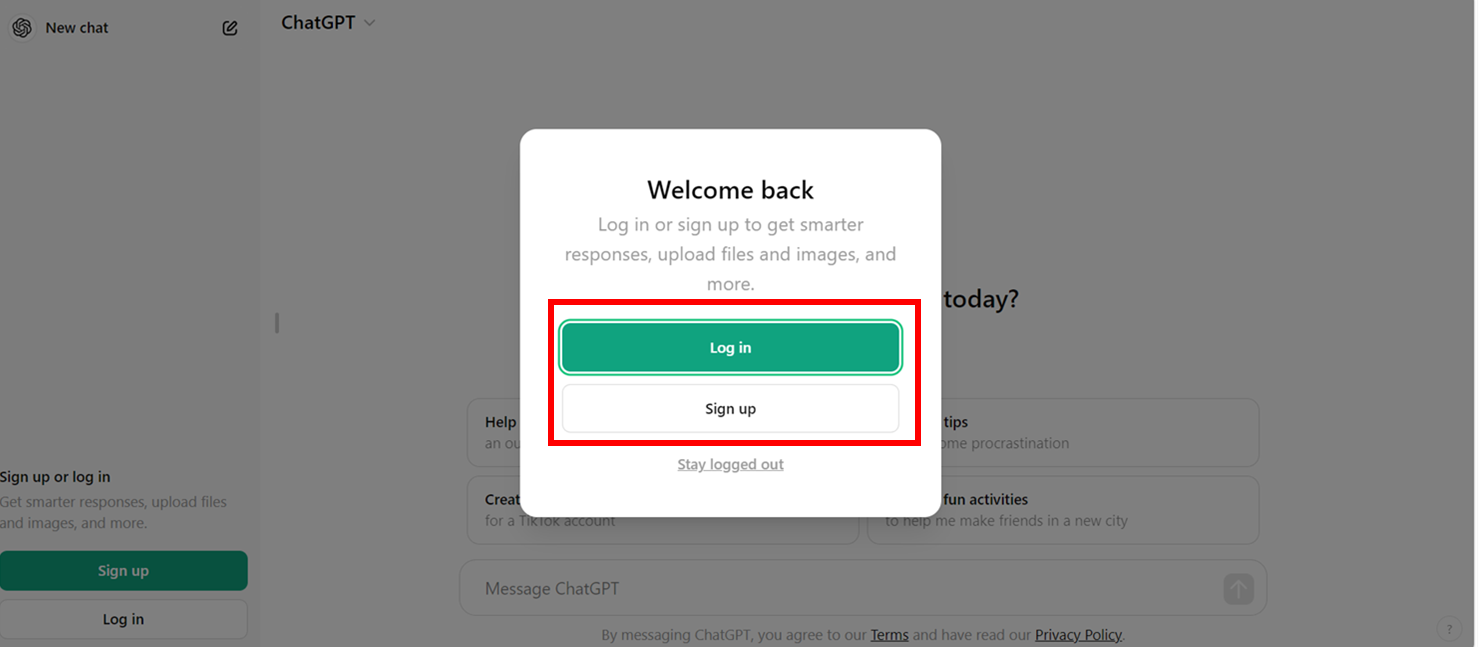
Note: You can create a free account on ChatGPT and use GPT features for free.
- To sign up, you must enter your email ID and password. You will receive an automated verification email. After you click on the verify email address link in your email, you must enter your personal details and follow the steps to complete the sign up on your first login.
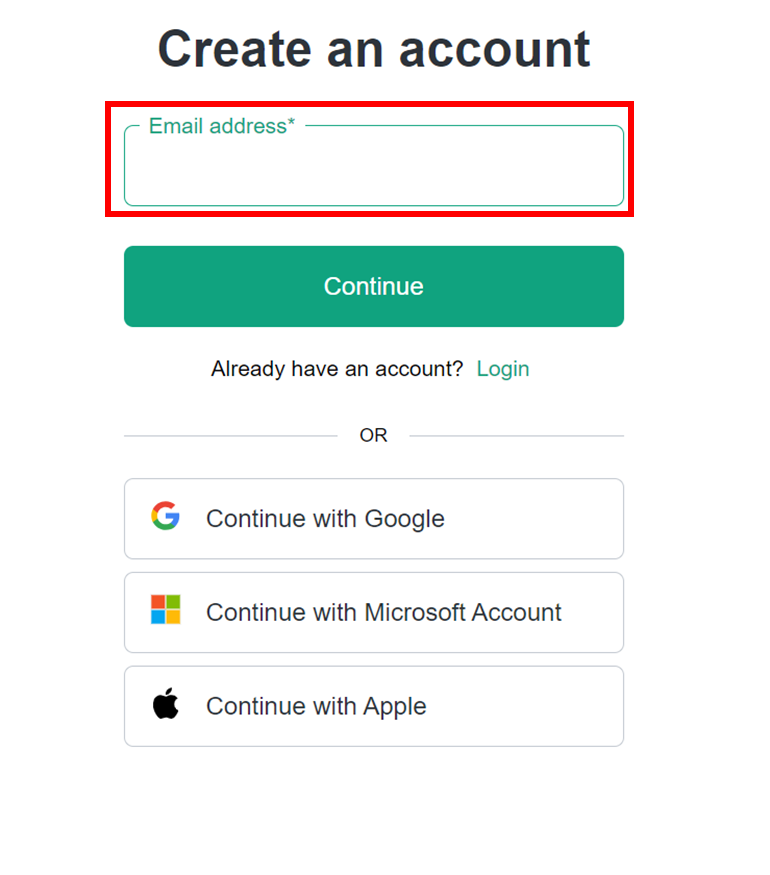
- After signing up, you will reach the login page, as shown below.
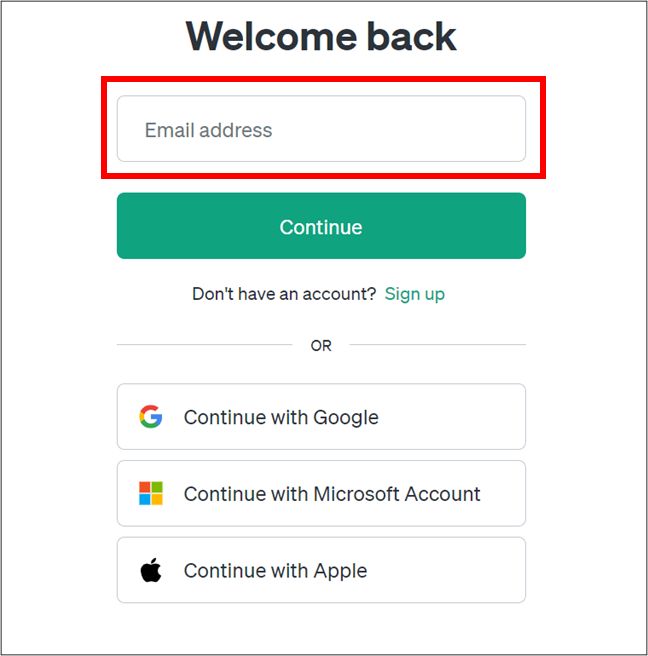
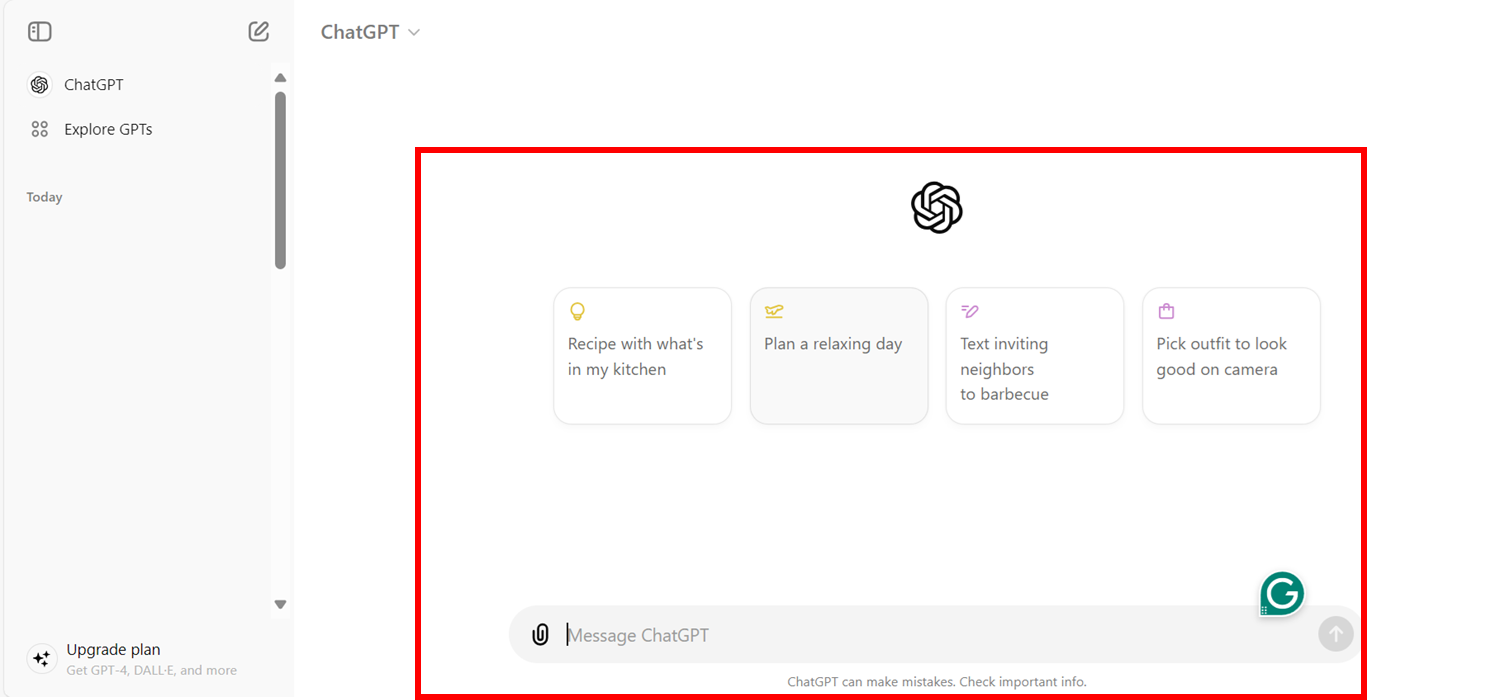
- After login, you will view the OpenAI chatbot platform, ChatGPT, as shown below.
Summary
In this lab, you've learned steps to log in to ChatGPT to start chat and leverage its capabilities.